Nano Banana 2.1 AI Image Generator for Text and Photo Editing
Create images from a written brief or edit your own photos with Nano Banana 2.1 on SeeVido AI. Guide the subject, lighting, layout, and style with prompts and reference images, with optional web and image search. Sign in and review the credit cost before generating.
Explore Prompt Directions for Nano Banana 2.1 Images
Try a product photo with a new studio backdrop, a poster with a short headline, or a character in a different setting. Describe the composition and upload references when you want to guide an edit.
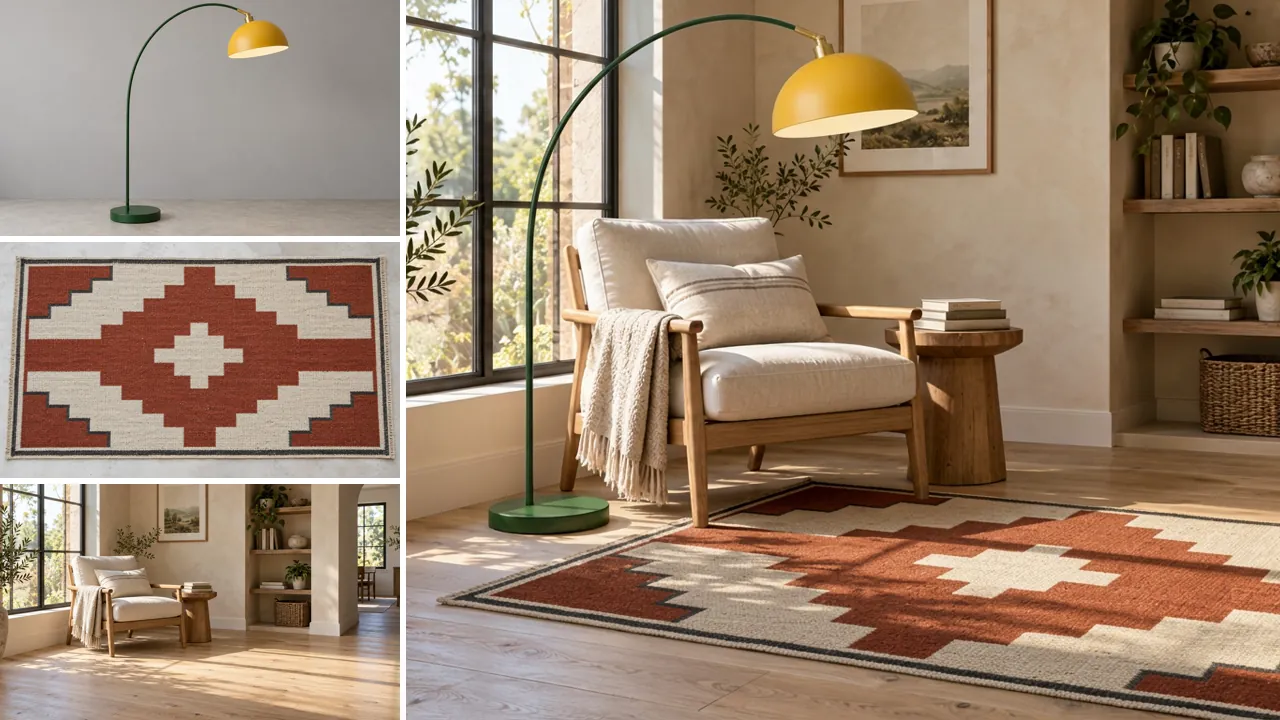
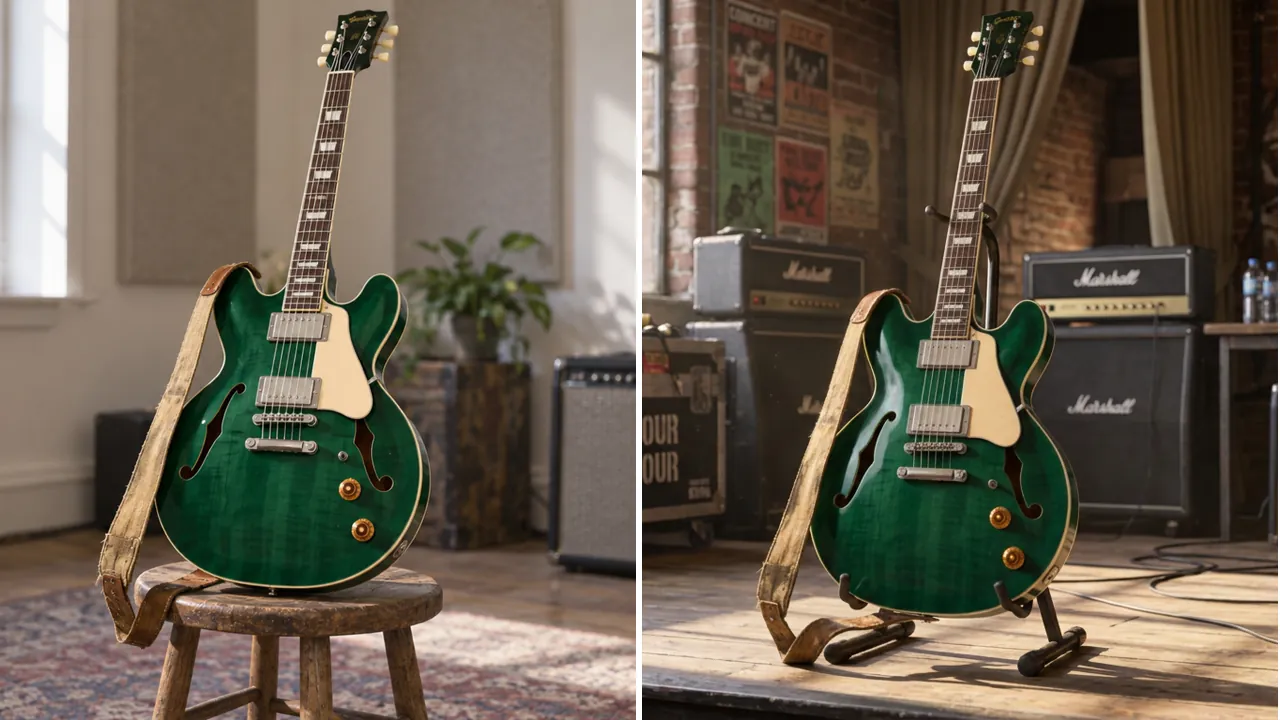
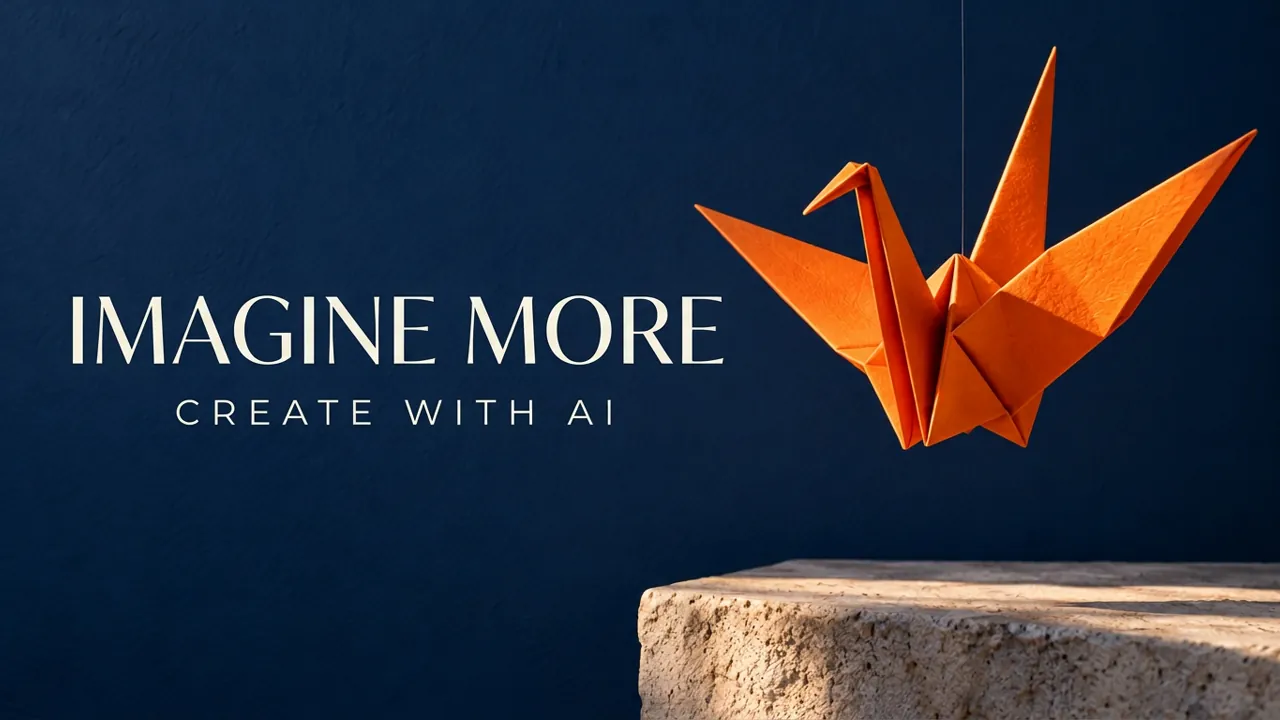
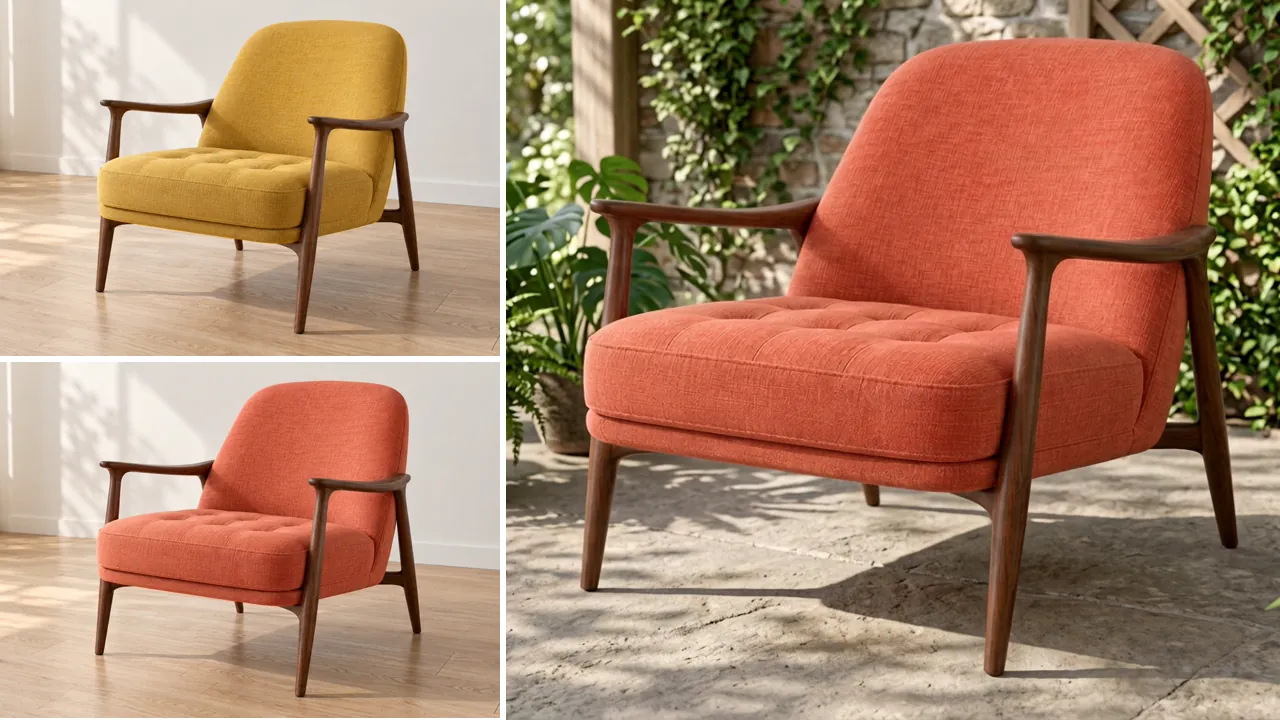
Direct Image Content, Edits, and Search with Nano Banana 2.1
Build a new image from text or combine written instructions with visual references. Use search when the scene needs additional context, and include exact wording when designing an image with text.
Generate Scenes from a Written Brief
Describe the subject, environment, lighting, and camera angle. Add a visual style, such as a studio photograph or an illustrated scene, to guide the image from the first prompt.
Edit Photos with Reference Images
Upload images and specify the changes you want: a new background, a different palette, or a revised composition. Name the subject details that should remain recognizable.
Bring Web and Image Search into Your Prompt
Enable WebSearch for information from the web or ImageSearch for visual references. Use these tools when a subject or setting needs context beyond your written description.
Include Headlines and Labels in Image Designs
Provide the exact words and explain where they belong in a poster, diagram, or graphic. Keep text concise and check spelling and placement in the generated result.
Move from a Visual Brief to a Reviewable Draft with Nano Banana 2.1
Prepare the image, format, and generation settings in one place. Review the cost before submitting, then use your result to decide which creative direction to develop.
Explain Changes in Everyday Language
Describe the edit you want instead of building a layer-by-layer editing workflow. A prompt and reference image let you explore changes to a scene before doing detailed finishing work.
Match the Canvas to Your Layout
Choose an available aspect ratio and resolution before generating. Prepare a portrait composition for a social post or a wider image for a cover or presentation.
Check the Credit Cost Before You Commit
Review the displayed cost with your selected settings and optional search tools. You can adjust the setup before submitting the image generation.
Keep Results Available for Your Next Decision
After generation, open the result in Create with image history selected. Review the composition and use it to plan a more specific prompt or a different reference for the next variation.
Create Product Concepts, Posters, and Story Scenes with Nano Banana 2.1
Turn product references, campaign briefs, and character ideas into image drafts. Use each generation to explore a specific layout or scene before choosing a final direction.
Explore Product Photography Before a Shoot
Upload a product reference and describe a tabletop, background, and lighting setup. Generate a concept image to compare presentation ideas and refine your creative brief.
Draft Artwork for Social Posts and Covers
Describe a campaign mood, central subject, and space for your message. Choose a suitable aspect ratio to explore a cover image or social graphic for your layout.
Plan Posters with Short Headlines
Specify a headline, supporting labels, and their positions alongside the visual subject. Generate a poster concept, then review the wording and layout before using it.
Develop Characters Across Storyboard Scenes
Add a character reference and describe a new pose, setting, or camera view. Generate a scene draft and compare the character details with your reference as you develop the story.
How to Generate and Edit with Nano Banana 2.1 on SeeVido AI
Write a prompt and add references for an edit. Choose an available format, enable search if needed, and review the credit cost. Sign in to generate, then review the result in Create.