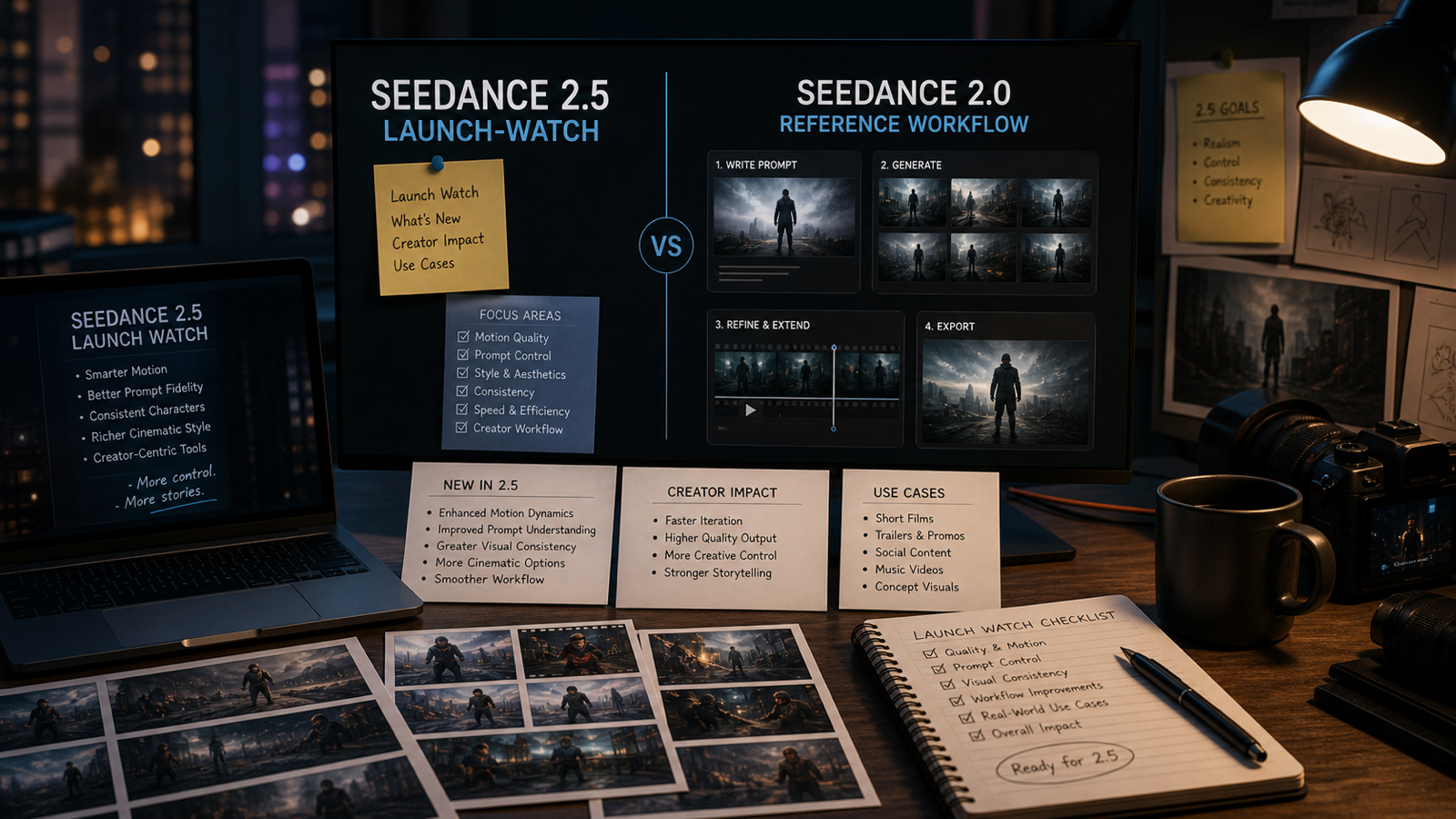
Seedance 2.5 Preview is worth watching because it points toward a more flexible AI video workflow for creators who want short, controlled clips from prompts, images, and references. For TikTok editors, ecommerce teams, UGC advertisers, social media managers, and filmmakers, the practical value is simple: start with a clear creative idea, guide the model with visual or audio references, then turn the strongest draft into a social clip, product video, ad concept, or short story scene.

Why Creators Are Watching Seedance 2.5 Preview
Creators are watching Seedance 2.5 because AI video is moving from one-off novelty clips toward repeatable short-form production. A strong AI video generator is most useful when it helps a creator turn a rough idea into a controlled video draft: one subject, one action, one camera direction, and one clear format for the final platform.
The Seedance 2.5 AI Video Generator page on SeeVido AI frames the model around prompt-driven video creation, image-to-video, reference inputs, flexible ratios, and 1080p-style output expectations. That makes the release interesting for creators who already work in short scenes: a product reveal, a fashion lookbook shot, a meme reaction, a cinematic street moment, or a quick UGC-style ad.
The useful mindset is not "make one perfect clip." It is "make three clean drafts, compare them, and improve the best one." Seedance 2.5 Preview is exciting because it fits that testing rhythm.

What Seedance 2.5 Is Expected to Bring to AI Video Creation
Seedance 2.5 is expected to continue the Seedance direction of creating short videos from prompts and images while adding more practical control for creator workflows. Based on SeeVido AI's dedicated model page and ByteDance's official Seedance model context, the most important creator-facing ideas are text-to-video, image-to-video, subject consistency, reference guidance, flexible output ratios, and polished video drafts.
For text-to-video, that means describing a subject, scene, movement, camera style, lighting, and mood in plain language. For image-to-video, it means using a starting image as the anchor so the generated video keeps the subject, composition, product shape, outfit, or character design closer to the original. For reference-based creation, a reference image, clip, or sound can help steer the result toward a specific look, rhythm, or creative direction.
This is especially useful for creators who need fast variations. A single concept can become a cinematic version, a UGC ad version, a product-detail version, and a social-first version without rebuilding the idea from scratch.

Why SeeVido AI Is a Practical Place to Use Seedance 2.5 Once Released
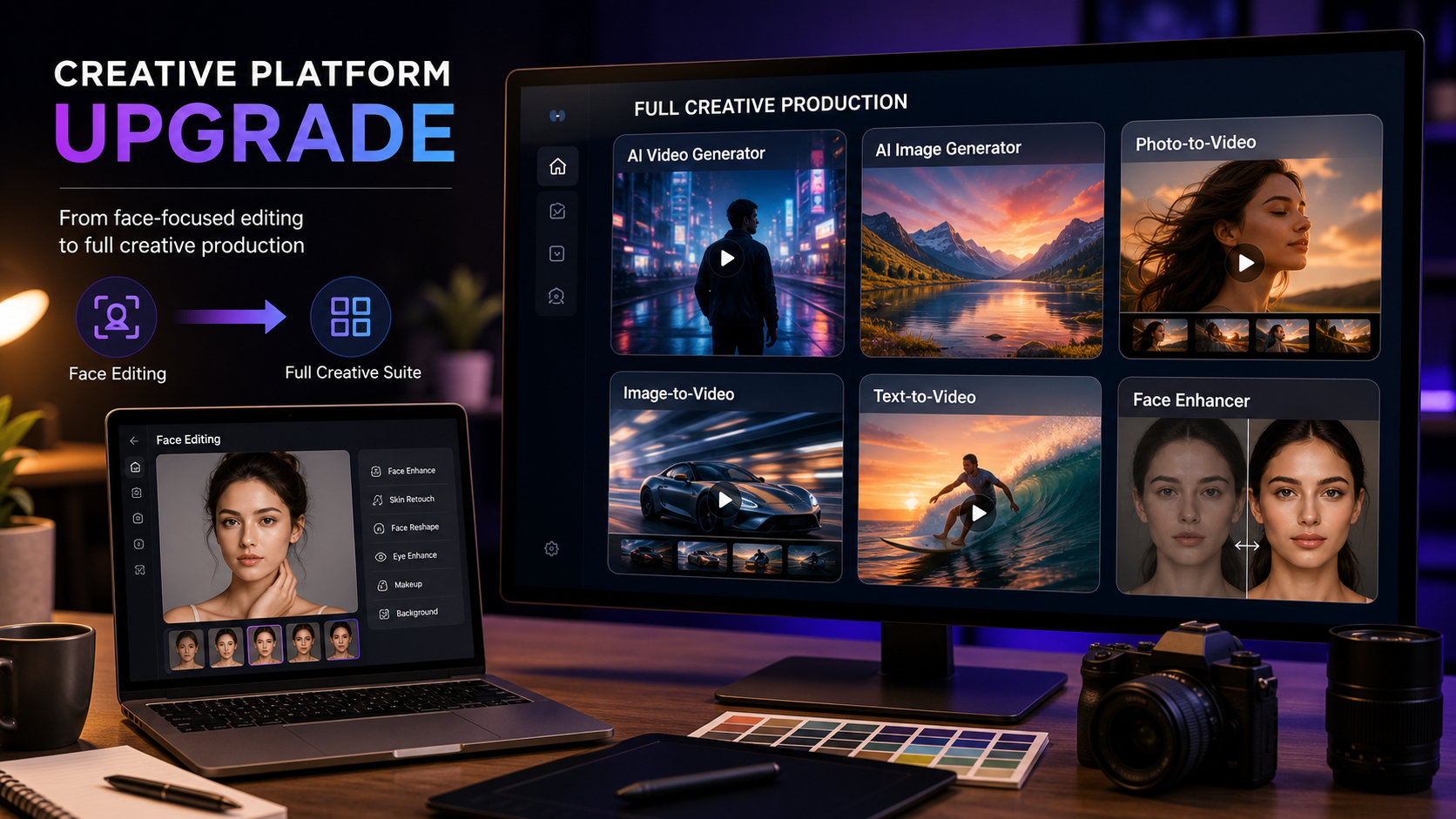
SeeVido AI is a practical place to follow Seedance 2.5 because it already provides a direct Seedance 2.5 on SeeVido AI page plus broader AI video workflows for creators. Once Seedance 2.5 is released there, creators can treat SeeVido as a central workspace for testing Seedance-style video generation alongside related tools.
The supporting pages matter because most creator projects do not stay in one mode. A campaign may start with Text to Video, move into Image to Video for start-frame control, then use the broader AI Video Generator for more formats and prompt experiments. Creators who also compare model styles can watch pages such as Seedance 2.0 and Kling 3.0 to choose the best fit for a specific scene.
In practice, SeeVido AI is useful because it keeps the workflow focused on the creative output: write the scene, choose the mode, add references when helpful, generate a draft, then improve the prompt.

Text-to-Video Ideas for Seedance 2.5
Seedance 2.5 text-to-video will be most useful when the prompt describes one clear scene instead of a crowded production brief. Short AI videos usually improve when the subject, setting, action, camera, lighting, mood, and output ratio are specific.
Use this reusable Seedance 2.5 text-to-video prompt formula:
Create a [duration] AI video for [platform/use case].
Subject: [person/product/object/scene].
Setting: [location/background].
Main action: [one clear movement or event].
Camera: [push-in / tracking shot / pan / handheld / static close-up / dolly].
Lighting: [studio / natural daylight / golden hour / neon / cinematic].
Mood: [premium / playful / dramatic / realistic / UGC / futuristic].
Reference direction: [image / clip / sound / start frame / style reference].
Output should be [aspect ratio] for [TikTok / Reels / Shorts / ad / product page / storyboard].
For example, a fashion creator could ask for a fictional model walking across a minimalist studio with side-tracking camera movement, soft fabric motion, editorial lighting, and a 9:16 format. A filmmaker could describe a rainy neon street, a person in a dark coat, a tracking camera from behind, realistic reflections, and atmospheric pacing. A marketer could request a five-second product teaser with a slow push-in, premium lighting, and clean background motion.
The goal is to give Seedance 2.5 a simple scene it can complete beautifully.

Image-to-Video and Start-Frame Workflows
Seedance 2.5 image-to-video workflows are ideal when the creator already has a product photo, character image, portrait, fashion still, or campaign visual that should stay recognizable. Instead of asking the model to invent everything, the uploaded image becomes the starting frame and visual anchor.
Use this reusable image-to-video prompt formula:
Use this uploaded image as the start frame.
Preserve [subject identity / product shape / outfit / pose / composition / color palette / material texture].
Add [camera movement], [subject motion], [background movement], and [lighting shift].
Keep the motion clean, the subject consistent, and the pacing suitable for a short AI video.
For ecommerce, this can turn a static product photo into a slow product hero shot. For creators, it can bring a portrait into gentle motion with subtle background movement and realistic face stability. For character videos, it can animate a fictional character while keeping the design, outfit, and composition intact.
Start-frame control is especially useful when brand consistency matters. The more important the product shape, face, outfit, or composition is, the more useful an image-to-video workflow becomes.

Reference Images, Clips, and Sounds for Better Control
Reference images, clips, and sounds can help Seedance 2.5 move from a general prompt toward a more directed result. A reference image can guide style, composition, color, product identity, or character design. A reference clip can suggest pacing, motion, camera rhythm, or scene energy. A reference sound can shape timing, mood, or edit feel for social clips.
Use this reference-based prompt formula:
Use the reference image, reference clip, or reference sound to guide the video.
Preserve [main subject], [visual style], [product shape], [character design], and [color palette].
Generate a short Seedance 2.5 video with [one main action], [camera motion], [lighting], and [mood].
Make the result suitable for [social video / product ad / cinematic preview / UGC draft / story scene].
Reference control is useful for creators who want a specific rhythm without writing a long prompt. A dance-inspired product clip, a meme reaction zoom, a cinematic walking shot, or a music-led fashion reel can all benefit from a reference that shows the model what kind of movement or pacing the creator wants.
The best reference inputs are clean, focused, and easy to interpret. One subject, one mood, and one main action usually make a stronger guide than a crowded reference.

Best Use Cases for Seedance 2.5 AI Video Generator
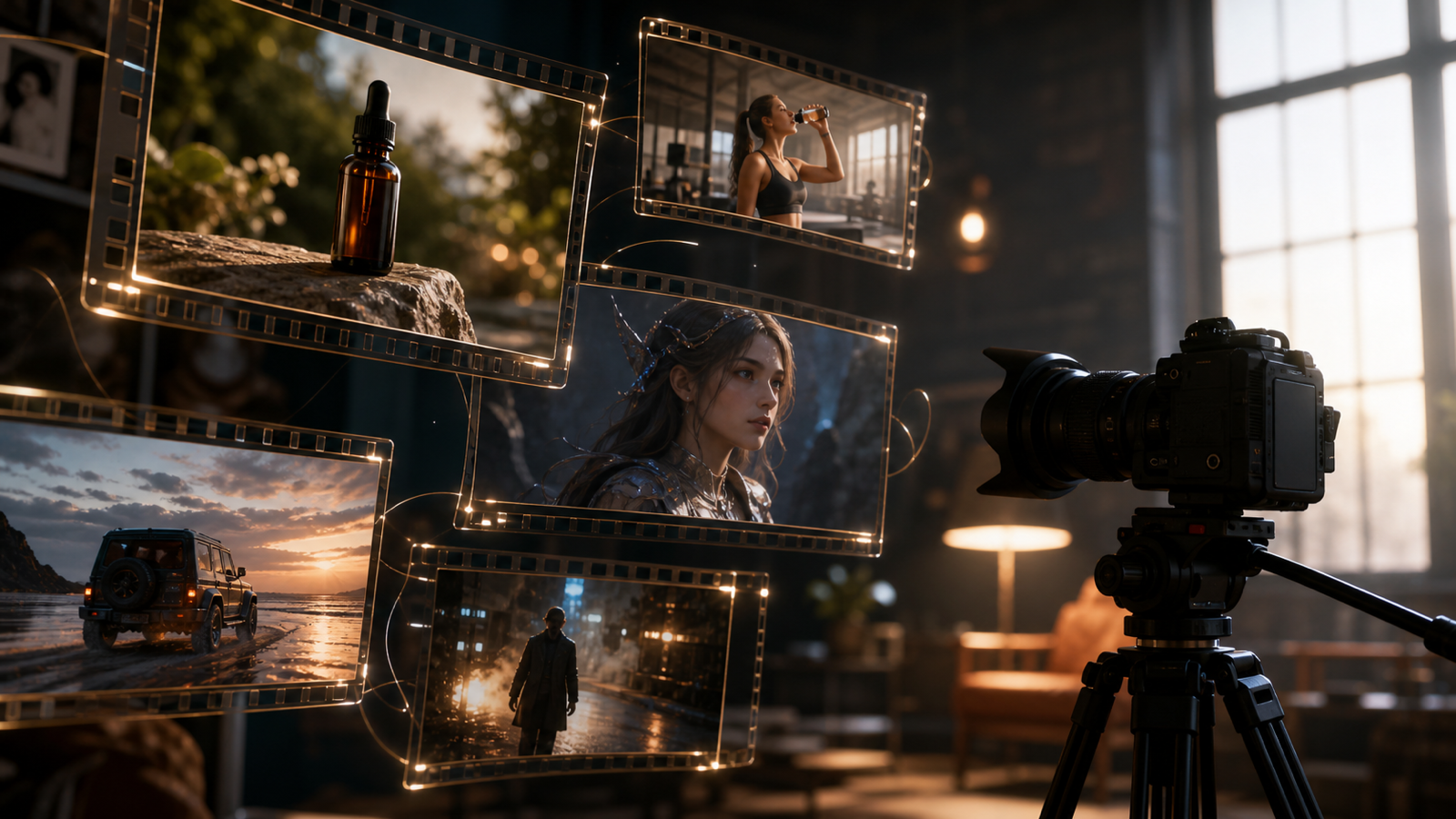
Seedance 2.5 AI Video Generator is most compelling for short creative formats where a clear visual idea matters more than a long production timeline. That includes social clips, product ads, UGC drafts, story scenes, character videos, meme clips, cinematic previews, travel reels, and fashion videos.
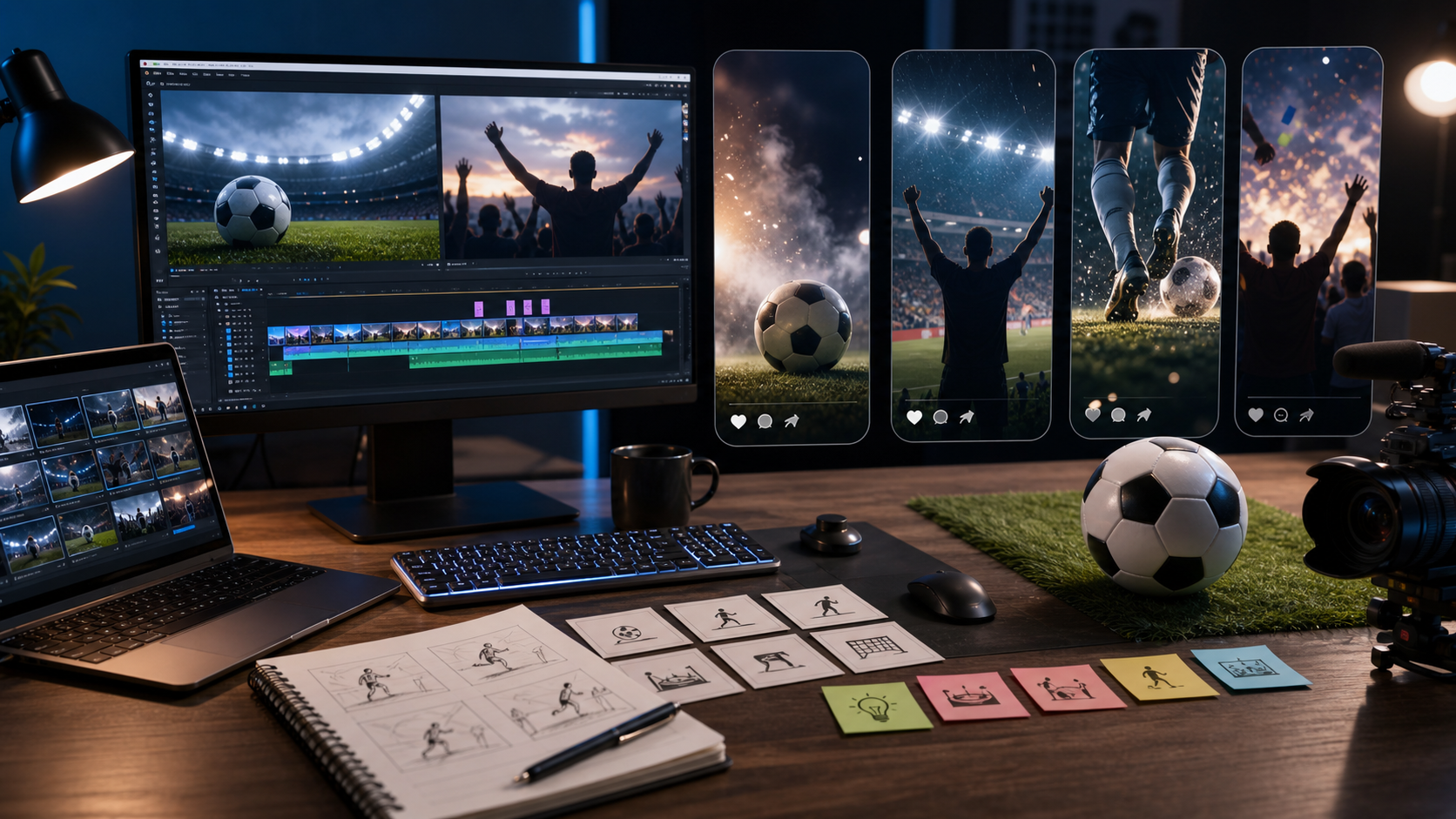
For social media, creators can test a 9:16 TikTok, Reels, or Shorts clip with one hook moment: a quick reaction, product reveal, travel pan, fashion walk, or food close-up. For ecommerce, teams can turn product images into premium hero videos, product page loops, launch teasers, or paid social ad variants. For agencies, Seedance 2.5 can support early creative exploration before a client commits to a final shoot or edit.
UGC advertisers can also use it for creator-style drafts. A fictional creator near a window, a product held naturally, friendly expression, casual lighting, and short spoken-review energy can help a team test an angle before producing more polished ad variations.
The best use cases share one pattern: they are short, specific, visual, and easy to compare.

Seedance 2.5 Prompt Examples Readers Can Copy
Seedance 2.5 prompts should be short enough to stay focused and detailed enough to guide motion. The easiest way to test is to keep the subject stable while changing camera style, pacing, or mood.
Use this creative testing formula:
Generate three Seedance 2.5 drafts from the same idea.
Version A should focus on cinematic camera motion.
Version B should focus on product clarity.
Version C should focus on social-video energy.
Compare pacing, composition, subject consistency, motion, and best use case.
Copy and adapt these Seedance 2.5 video prompts:
- Create a 5-second product video for a skincare bottle on a marble counter. Slow camera push-in, soft morning light, subtle water droplets, premium ecommerce mood, 9:16.
- Use this product photo as the start frame. Preserve the product shape, label area, cap, material texture, and color. Add a slow rotating tabletop camera move, soft studio lighting, realistic shadows, and clean ad pacing.
- Create a TikTok-style UGC product demo. A fictional creator holds a product near a window, natural handheld camera, friendly expression, casual room lighting, short spoken-review energy, 9:16.
- Create a cinematic street scene. A fictional person in a dark coat walks through rainy neon streets, tracking camera from behind, realistic reflections, atmospheric pacing, 16:9.
- Create a food video. A hot dish sits on a restaurant table, visible steam, slow close-up, warm lighting, shallow depth of field, appetizing motion, 5 seconds.
- Create a meme reaction clip. A fictional office worker slowly turns toward the camera with exaggerated disbelief, quick zoom-in, clean lighting, blank caption space, 9:16.
- Use this portrait as the start frame. Preserve facial identity, hairstyle, and outfit. Add gentle camera movement, subtle background motion, natural light shift, and realistic face stability.
- Create a product launch teaser. A black box opens under dramatic studio light, slow push-in camera, soft smoke, premium reveal mood, clean background, 16:9.
- Create a travel reel shot. A cafe table beside a busy street, sunlight moving across the table, soft camera pan, warm editorial color, natural ambient mood, 9:16.
- Create a fashion lookbook clip. A fictional model walks across a minimalist studio, soft fabric movement, side-tracking camera, editorial lighting, stable body proportions, 9:16.
- Use reference images for the same product. Preserve shape, color, and material. Generate a short product hero video with slow dolly motion, clean studio lighting, and realistic reflections.
- Create three Seedance 2.5 drafts from the same prompt: one cinematic, one UGC ad, and one product demo. Keep the subject stable while changing camera style, pacing, and scene mood.
These examples work because each one gives the model a single destination. The creator can then change the ratio, mood, camera direction, or reference input to create more variations.

How to Plan a Creator Workflow Around Seedance 2.5
The best creator workflow around Seedance 2.5 starts with an output goal, not with a model feature list. Decide whether the video needs to sell a product, open a social post, test a UGC angle, build a fictional character moment, or support a cinematic storyboard.
A simple workflow can look like this:
- Pick one use case: product ad, social clip, UGC draft, story scene, fashion video, or meme reaction.
- Choose the mode: text-to-video for original scenes, image-to-video for start-frame control, or reference-based prompting for style, motion, sound, or pacing.
- Write one clean prompt with subject, setting, action, camera, lighting, mood, and ratio.
- Generate three drafts with different creative priorities: cinematic motion, product clarity, and social energy.
- Keep the strongest direction and make targeted changes to motion, camera, subject consistency, or scene mood.
This approach helps beginners avoid overloading the prompt. It also helps teams compare outputs in a practical way: which clip earns attention fastest, which one shows the product most clearly, and which one fits the platform best?
Once Seedance 2.5 becomes available on SeeVido AI, this kind of repeatable workflow will make it easier to turn early ideas into usable creative tests.

Final Takeaway: Why Seedance 2.5 Belongs on Every AI Video Creator's Watchlist
Seedance 2.5 belongs on every AI video creator's watchlist because it fits where short-form video is going: faster drafts, clearer prompt control, stronger use of images and references, and more flexible outputs for social, ecommerce, and storytelling. Creators do not need to wait for a perfect production plan to start thinking about how they will use it.
The practical move is to prepare prompts now. Build a small library of product video ideas, UGC ad concepts, character scenes, meme reactions, and cinematic preview prompts. Then, when Seedance 2.5 on SeeVido AI is released, you can test your best ideas quickly instead of starting from a blank page.
For creators who already use AI video generator, image-to-video, and text-to-video workflows, Seedance 2.5 Preview is a useful signal of where the next wave of creator video tools is heading.
FAQ
What is Seedance 2.5 Preview?
Seedance 2.5 Preview is a creator-focused preview of the next Seedance-style AI video workflow, centered on short video generation from prompts, images, and reference inputs.
Will Seedance 2.5 be available on SeeVido AI?
SeeVido AI has a dedicated Seedance 2.5 AI Video Generator page, and the article positions SeeVido AI as the place to follow and use Seedance 2.5 once it is released.
Can Seedance 2.5 help with product videos and UGC ads?
Yes. The strongest expected use cases include product hero videos, UGC-style drafts, social clips, ecommerce ads, fashion videos, meme reactions, and short cinematic scenes.
What should I prepare before using Seedance 2.5?
Prepare clear prompts, clean product or character images, reference clips or sounds when useful, and platform-specific ratios such as 9:16 for TikTok, Reels, and Shorts.
Conclusion
Seedance 2.5 Preview gives creators a practical reason to prepare better prompts, cleaner images, and stronger reference-based ideas before release. If your work depends on short-form AI video, product clips, UGC ad drafts, or cinematic social content, SeeVido AI is a useful place to follow the model and start testing once Seedance 2.5 becomes available.