The Seedance 2.5 release is one of the AI video updates creators are watching closely in 2026. For short-form editors, ecommerce marketers, UGC advertisers, filmmakers, social media managers, prompt testers, and product video teams, the useful question is practical: what should you prepare now, and how can current Seedance 2.0 workflows on SeeVido AI help you create better prompts? This guide explains the Seedance 2.5 launch-watch angle, the SeeVido workflow stack, and prompt patterns you can use today with the Seedance 2.0 AI Video Generator.

Seedance 2.5 Release Watch: What Is Confirmed and What Still Needs Verification
Seedance 2.5 is best approached as a launch-watch topic until live product pages and official model notes provide full details. Current planning can stay grounded in ByteDance Seed Models, ByteDance Seedance 2.0, the Seedance 2.0 research paper, and SeeVido's live Seedance 2.0 AI Video Generator.
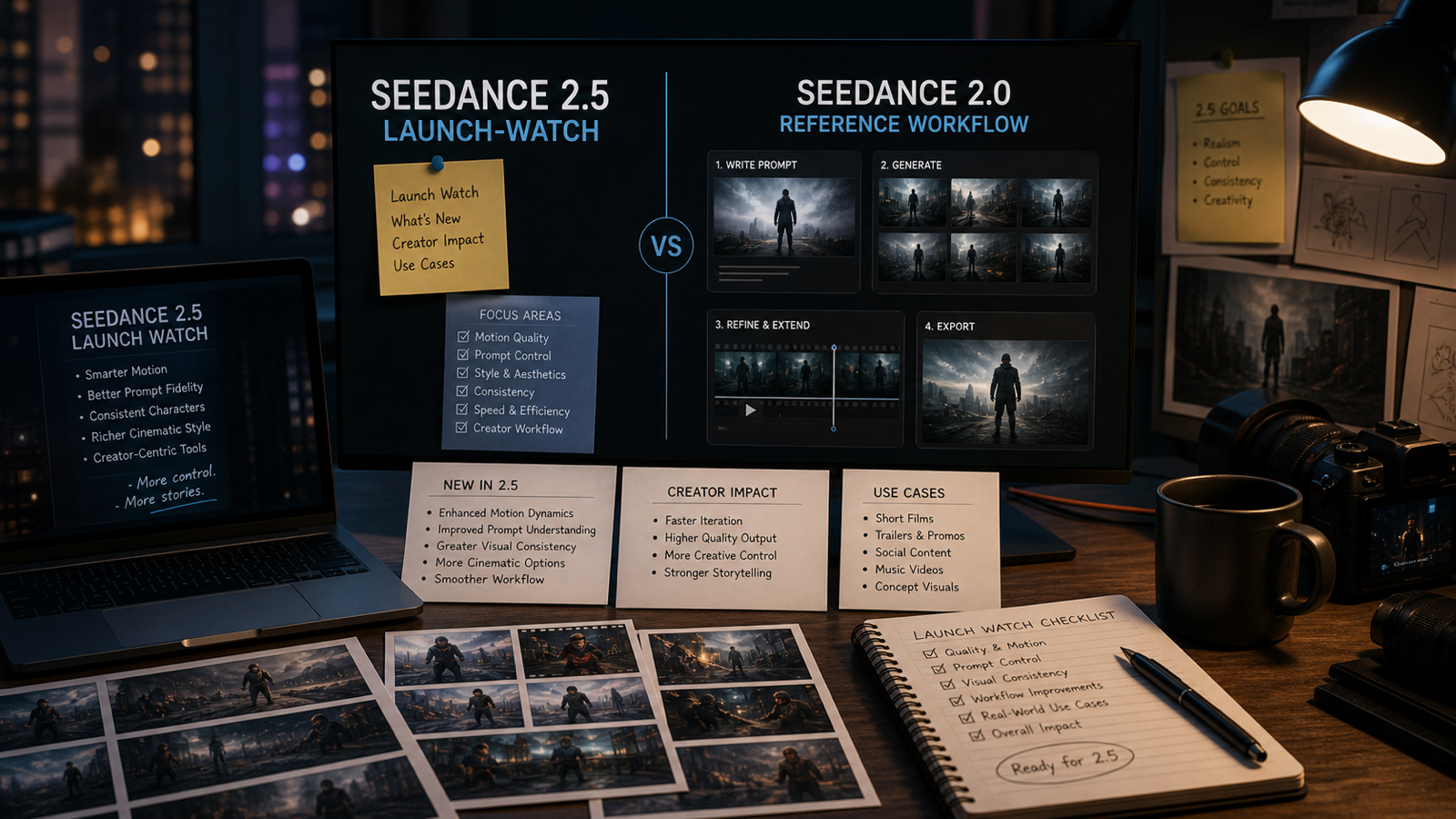
For creators, the main takeaway is simple: use Seedance 2.0 workflows to build cleaner prompts now, then compare Seedance 2.5 with the same inputs when a live page or official update is available. This keeps the article useful for searchers who want Seedance 2.5 news while giving creators a practical path instead of a rumor list.
Use this quick launch-watch frame:
| Question | Practical creator takeaway |
|---|---|
| What is the Seedance 2.5 release status? | Follow official Seed/ByteDance and live SeeVido model pages for availability. |
| How should creators prepare? | Build repeatable Seedance 2.0 prompts, source images, aspect ratios, and review criteria. |
| How should Seedance 2.5 compare with Seedance 2.0? | Test the same prompt, reference, duration, camera plan, and export target. |
| What details matter for teams? | Duration, resolution, audio support, reference inputs, pricing, credits, API access, and usage terms. |
That framing keeps the focus on creative readiness: prompts, workflows, and fair testing.

Use SeeVido AI to Prepare Seedance-Style Video Workflows
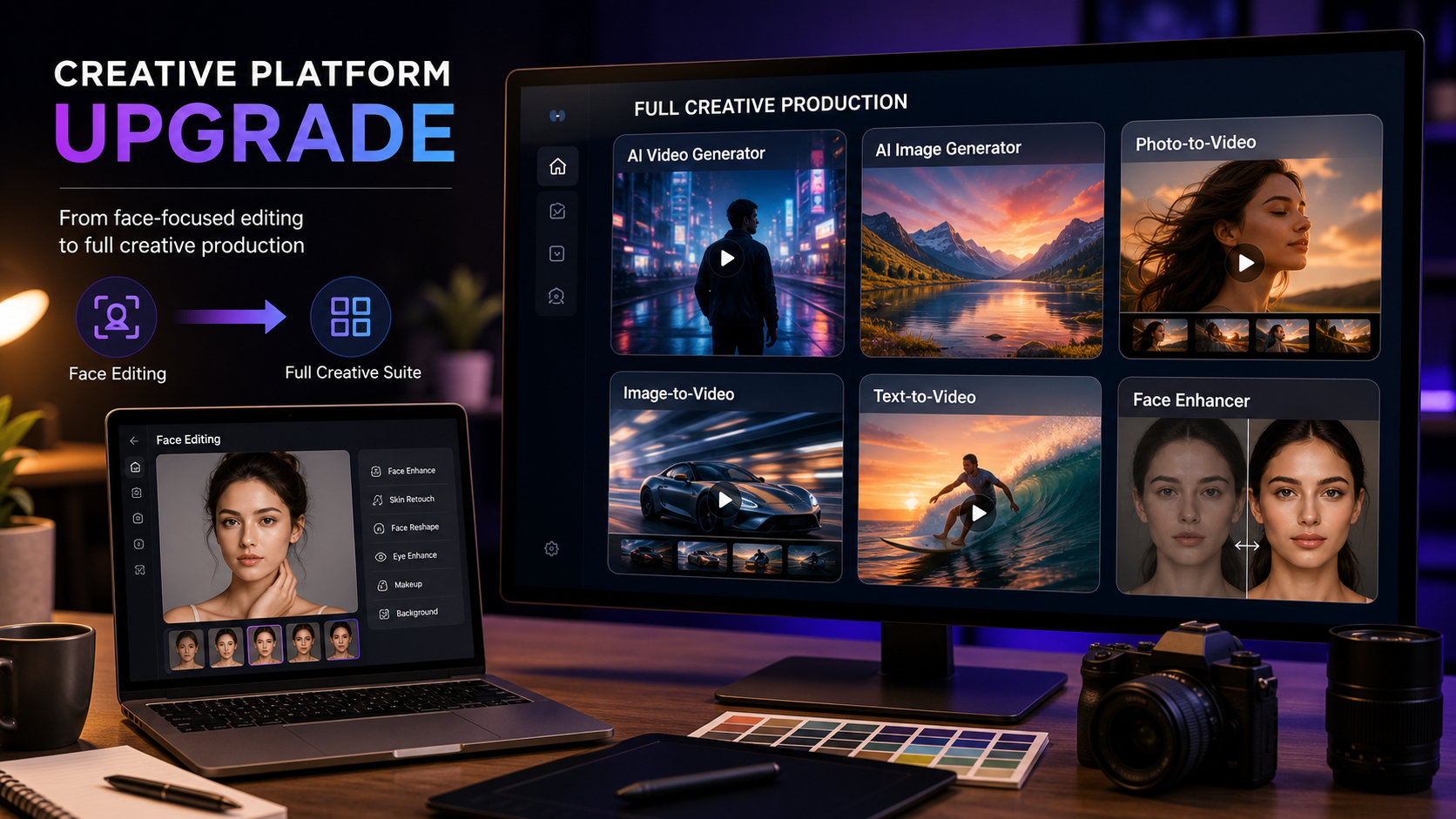
SeeVido AI is a practical platform for Seedance-style video creation because it already supports multiple creator workflows in one place. Start with Seedance 2.0 when you want model-specific practice, then expand into the main AI Video Generator, Photo to Video, Image to Video, Text to Video, Video to Video, and AI Music Video Generator.
This preparation matters because strong prompts are portable. A creator who can describe a product scene, camera move, lighting setup, action beat, audio intention, duration, and aspect ratio will be ready to test any Seedance update more effectively.
Use SeeVido AI for three repeatable workflows. First, write text-to-video prompts for cinematic shots, UGC demos, product clips, and storyboard moments. Second, use image-to-video or photo-to-video prompts when the subject needs to stay consistent, such as a sneaker, skincare bottle, room layout, food photo, portrait, or character reference. Third, use video-to-video and music-video workflows when the source material and creative rights are already clear.

Seedance 2.5 Prompt Guide Based on Seedance 2.0 Workflows
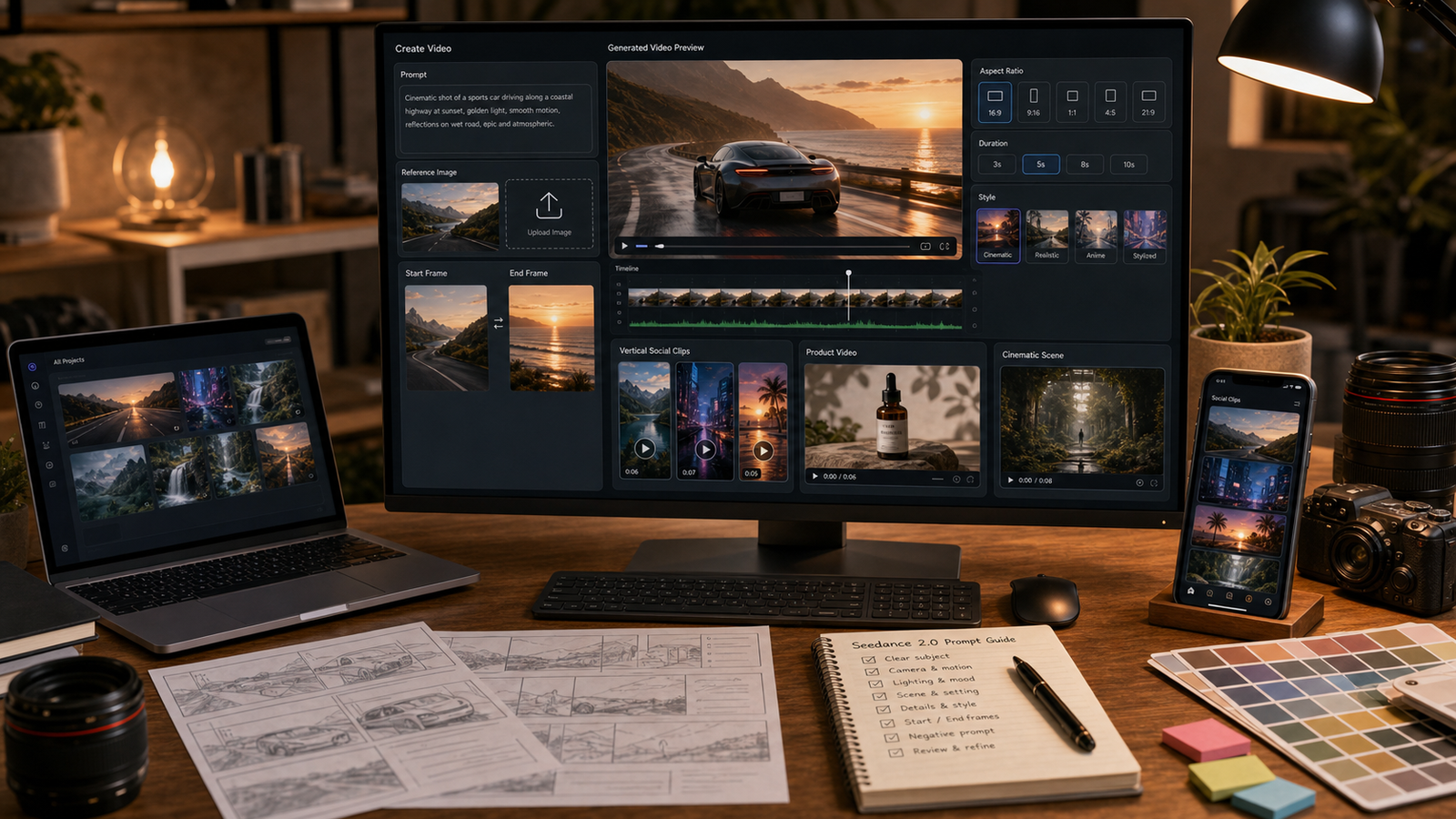
A useful Seedance 2.5 prompt guide can be built from current Seedance 2.0 prompt habits. The model may change, but creators still need to describe the subject, setting, action, camera, lighting, mood, audio, aspect ratio, duration, and consistency target.
Reusable Seedance prompt formula:
Create a [duration] AI video for [use case]. Scene: [subject] in [setting]. Action: [one clear movement or event]. Camera: [push-in / tracking shot / overhead / close-up / orbit / handheld]. Lighting: [natural / studio / cinematic / warm / neon / dramatic]. Mood: [realistic / UGC-style / luxury / emotional / playful / educational]. Audio: [ambient sound / subtle music / product sound / voiceover / no dialogue]. Format: [9:16 / 16:9 / 1:1]. Keep [subject / product / character / style] consistent and avoid [distortion / extra limbs / unreadable text / fake logos / unsafe claims].
Image-to-video formula:
Use this uploaded image as the reference. Preserve [subject / product / character / layout / pose / color palette] while adding [camera movement / environmental motion / light shift / action / atmosphere]. Keep the result stable, realistic, and suitable for [TikTok / Reels / YouTube / product page / ad concept / storyboard]. Avoid changing the subject identity, product shape, important details, or readable text.
Seedance 2.5 launch-watch prompt formula:
Test Seedance 2.5 against the same Seedance 2.0 prompt. Keep the same source image, duration, aspect ratio, camera direction, motion request, and review checklist. Compare subject consistency, motion smoothness, camera control, audio-visual alignment, prompt-following, scene stability, product accuracy, and export quality. Record what changes in the output and what is confirmed by the model page.
For more SeeVido-specific prompt context, use the Seedance Prompt Guide and Best 10+ Seedance 2.0 Prompts.

Seedance 2.5 Video Prompt Examples for Product, UGC, Travel, and Storyboards
Good Seedance prompts are easy to test because each one has a clear creative job. Use these as current Seedance 2.0 practice prompts on SeeVido AI and as Seedance 2.5 test prompts when the updated model is available in your workflow.
- Create a 6-second product video for a skincare bottle. Scene: the bottle sits on a marble bathroom counter. Action: water droplets slowly move while soft steam rises behind it. Camera: slow push-in. Lighting: warm morning light. Mood: premium but natural. Format: 9:16.
- Use this sneaker photo as the reference. Preserve the shoe design, proportions, and colorway while adding a slow camera orbit, wet pavement reflections, subtle background lights, and cinematic ad pacing.
- Create a 5-second UGC-style product demo. A fictional creator places a portable blender on a kitchen counter, adds fruit, and smiles at the camera. Handheld phone-camera style, bright kitchen lighting, realistic motion, 9:16.
- Create a 6-second cinematic travel clip. A fictional traveler stands beside a lake at sunset while wind moves their jacket and the camera slowly tracks forward. Natural ambient sound, warm cinematic color, 16:9.
- Use this room photo as the reference. Preserve the layout and window position while adding soft sunlight movement, curtain motion, subtle plant movement, and polished interior-design video style.
- Create a 5-second fashion try-on video. A model in a minimalist studio turns slowly toward the camera. Keep clothing details consistent, realistic body movement, soft studio lighting, editorial mood.
- Create a 6-second food close-up video. A bowl of noodles sits on a table while steam rises, chopsticks lift a small portion, and the camera moves in gently. Warm restaurant lighting, appetizing realism.
- Create a 5-second desk setup clip. A laptop, notebook, and coffee cup sit on a clean desk. The camera slowly pans left, light shifts through the window, and the scene feels calm and productive.
- Use this character reference as the base. Preserve the face, outfit, color palette, and silhouette. Add a simple walking motion in a rainy neon street with realistic reflections and no extra limbs.
- Create a 6-second cinematic storyboard shot. A fictional detective walks through a foggy alley, slow tracking camera, dramatic backlight, subtle footsteps, moody film-noir atmosphere, 16:9.
- Create three variants from the same prompt: one UGC-style, one cinematic, and one product-ad version. Keep the subject, duration, and aspect ratio the same so the results can be compared fairly.
- Compare Seedance 2.0 and Seedance 2.5 using the same image-to-video prompt. Review motion stability, subject preservation, audio fit, camera control, product accuracy, and whether the result is ready for editing.
The pattern is straightforward: one subject, one core motion, one camera plan, one format, and one consistency rule. That makes Seedance 2.5 vs Seedance 2.0 testing easier to read later.

Seedance 2.5 vs Seedance 2.0: A Fair Comparison Workflow
Seedance 2.5 vs Seedance 2.0 comparisons work best when the test stays controlled. Keep the same prompt, source image, aspect ratio, duration, camera direction, and review criteria. Then the differences in the output are easier to discuss.
Start with the current Seedance 2.0 SeeVido AI workflow. Save your prompt, source image, aspect ratio, duration, and final output. When Seedance 2.5 is available in the workflow you use, run the same test and compare:
- Subject consistency: does the product, face, character, or scene stay stable?
- Motion smoothness: is the action controlled, or does it flicker?
- Camera control: does it follow push-in, tracking, overhead, orbit, handheld, or close-up instructions?
- Prompt-following: does the clip respect action, lighting, mood, audio, and format?
- Product accuracy: are shape, label area, colorway, and material details preserved?
- Export quality: is the output suitable for editing, social posting, or campaign review?
This approach makes comparison useful for creators, teams, and clients because it focuses on repeatable output quality instead of one lucky generation.

Creator Checklist Before Publishing Seedance 2.5 Content
Seedance launch-watch content is strongest when it gives readers a clean checklist. Use this section as a final editorial pass for release posts, model comparisons, prompt guides, and product workflow articles.
- Release status: check Seed/ByteDance pages and SeeVido model pages for current availability.
- Model access: note whether the model is selectable in your SeeVido account and whether access depends on account, plan, or region.
- Technical details: record duration, resolution, audio support, reference-input options, text-to-video, image-to-video, and video-to-video behavior from the current product page.
- Cost and usage: review SeeVido pricing, credits, queue rules, trial limits, and any model-specific cost.
- Publishing terms: review SeeVido terms and privacy policy for upload handling, user content, and usage terms.
- Output review: inspect flicker, hands, faces, text, logos, product details, identity consistency, scene stability, and edit readiness.
- Source rights: confirm that source images, faces, music, brands, products, and client assets are cleared for the intended use.
For deeper Seedance context, related reading includes the Seedance 2.0 Review, Seedance 2.0 Access and Pricing Guide, Seedance 2.0 World Cup Theme Guide, Image to Video AI on SeeVido, AI Product Videos from Images, and the SeeVido AI Video Generator Review.
People also read: VideoWeb's Seedance 2.0 Video Generation Guide, VideoWeb's Seedance 2.0 Mini launch-watch article, Flyne's Best 10+ Seedance 2.0 Prompts, Flyne's controlled Seedance guide, Flaq's Seedance 2.0 API Guide, Flaq's video models review, UGC Maker's Seedance 2.0 for TikTok Videos, and HeyDream's Gemini Omni latest info.

FAQ About Seedance 2.5 on SeeVido AI
Is Seedance 2.5 released on SeeVido AI?
Check the live SeeVido Seedance model page and official Seed/ByteDance pages for the current model list. If a dedicated Seedance 2.5 page appears, use that page as the source for availability and specs.
What should creators prepare before Seedance 2.5 is available?
Prepare controlled Seedance 2.0 prompts, source images, aspect ratios, durations, and review checklists. That makes future Seedance 2.5 testing faster and easier to compare.
How should I compare Seedance 2.5 with Seedance 2.0?
Use the same prompt, source image, duration, aspect ratio, and review checklist. Then compare motion smoothness, subject preservation, camera control, prompt-following, audio fit, product accuracy, and export quality.
Which SeeVido workflows are most useful now?
Start with AI Video Generator, Text to Video, Image to Video, Photo to Video, and Seedance 2.0. Use video-to-video and music-video workflows when your source material is ready.
What should I review before using outputs in a campaign?
Review model access, pricing, credits, watermarks, usage terms, source-asset rights, and export quality. Then check the output for distortion, text issues, logo artifacts, identity drift, and edit readiness.

Conclusion: Prepare for Seedance 2.5 With Better Seedance 2.0 Prompts
The Seedance 2.5 release is worth watching because creators want stronger video motion, better control, and more reliable production workflows. The best preparation is practical: refine Seedance 2.0 prompts on SeeVido AI, save controlled test inputs, and build a comparison checklist that can be reused when Seedance 2.5 appears in your workflow.
Use the current SeeVido AI stack to practice text-to-video, image-to-video, photo-to-video, video-to-video, and music-video workflows. Then, when Seedance 2.5 is available to test, compare it with Seedance 2.0 using the same prompts and review criteria. Better prompts now will make the next model update easier to evaluate.