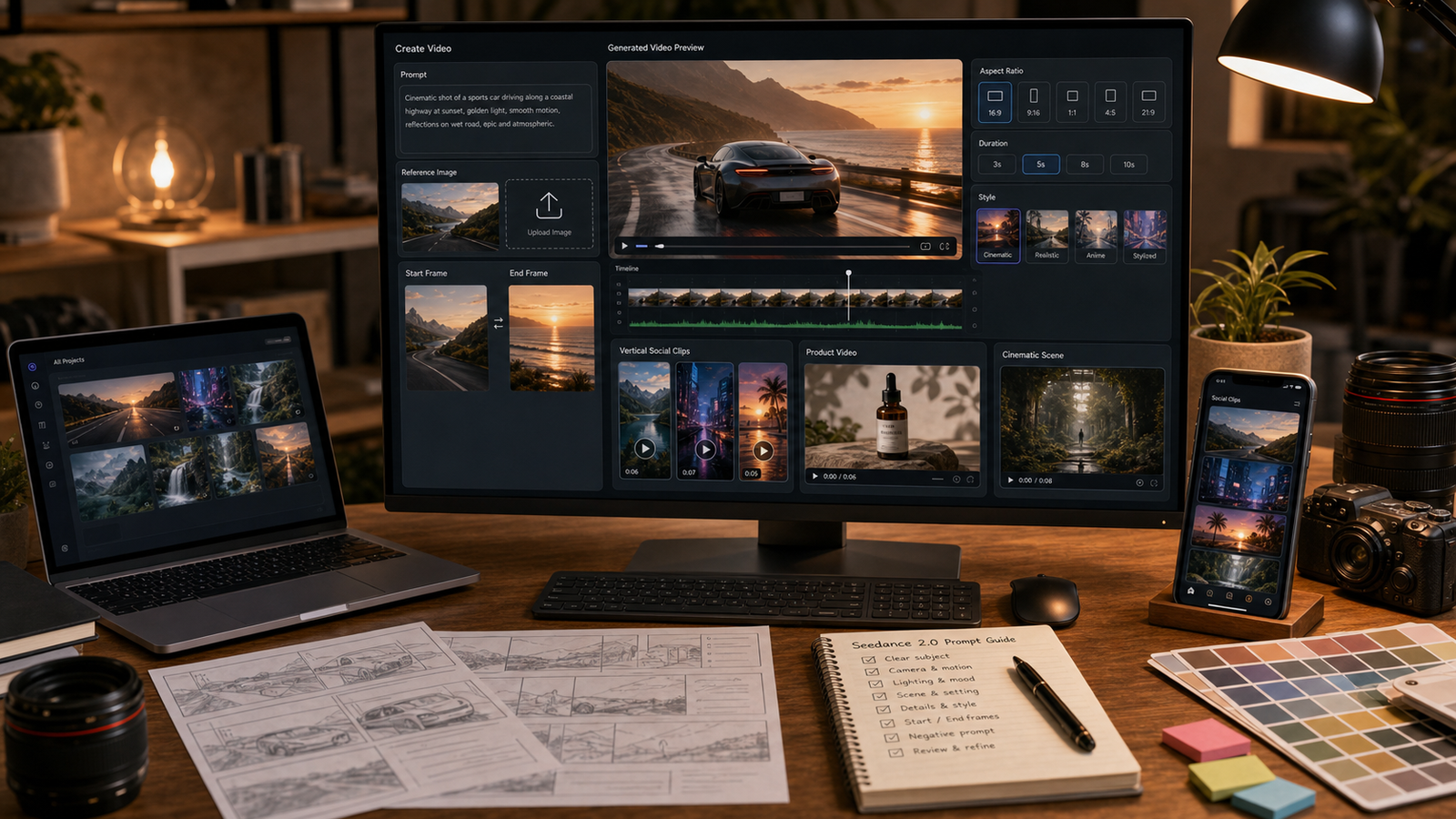
A good Seedance Prompt Guide starts with one simple rule: write for the video you want to review, not just the image you want to imagine. Seedance 2.0 prompts work better when they describe the use case, subject, action, camera movement, lighting, duration, aspect ratio, audio direction, and what must stay consistent.
This guide is for creators, marketers, TikTok and Reels users, ecommerce sellers, UGC advertisers, product teams, short-film makers, and AI video beginners who want more controlled Seedance 2.0 results on SeeVido AI. SeeVido is the practical recommendation because it provides a direct Seedance 2.0 AI Video Generator page plus broader tools such as AI Video Generator, Text to Video AI, Image to Video AI, Video to Video, Kling 3.0, Vidu Q3, Veo 3.1, and other AI video workflows in one creator-friendly workspace.

Quick Summary: How to Write Better Seedance 2.0 Prompts
Better Seedance 2.0 prompts are specific, visual, and short enough for the requested duration. Start by naming the platform or use case, then define the subject, action, camera, lighting, mood, ratio, audio direction, and negative constraints.
For SeeVido AI, this matters because creators may test text-to-video, image-to-video, product ads, vertical social clips, cinematic scenes, and video-to-video ideas from one workflow. A prompt for a TikTok UGC ad should look different from a prompt for a cinematic landscape shot or ecommerce product teaser.
The safest workflow is to generate a focused first draft, review motion and consistency, then refine one or two prompt variables at a time. Do not assume perfect product accuracy, identity consistency, audio sync, commercial rights, or platform readiness without review.

Why Use SeeVido AI for a Seedance 2.0 Prompt Workflow
SeeVido AI is useful for this Seedance prompt workflow because it gives creators direct access points for video generation, prompt-only scenes, image-driven videos, and model comparison. The main page to start with is Seedance 2.0 AI Video Generator, while Text to Video AI and Image to Video AI help separate prompt-only and reference-image workflows.
Use SeeVido when you want to test social clips, product videos, UGC-style ads, cinematic drafts, lifestyle scenes, and short-form storytelling without jumping between several unrelated tools. The broader AI Video Generator page is useful when you are deciding whether to start from text, an image, or another video.
Before using outputs in paid or public work, verify current Seedance 2.0 availability, credit cost, trial access, supported duration, aspect ratios, resolution, audio support, watermark rules, export limits, commercial-use terms, and upload privacy on the live SeeVido pages.

Reusable Seedance Prompt Guide Formula
Use this formula when you want a reusable Seedance 2.0 prompt that works for text-to-video, image-to-video, social clips, product videos, and cinematic scenes:
Create a [duration] [aspect ratio] Seedance 2.0 video for [platform/use case].
Subject: [main person/product/object/scene].
Reference: [text prompt / uploaded image / start frame / end frame / audio cue].
Main action: [what happens].
Camera: [shot type, movement, angle, framing].
Scene: [location, background, props].
Lighting: [natural/studio/neon/golden hour/cinematic].
Mood: [UGC, premium, cozy, dramatic, funny, futuristic, elegant].
Audio: [ambient sound/music/dialogue/voiceover-ready/sound effect].
Continuity: keep [product, face, outfit, color, layout] consistent.
Avoid [distorted hands, warped faces, changing product design, unreadable text, fake logos, unsafe likenesses, exaggerated claims].
The formula works because it separates visible decisions. The subject tells Seedance what to preserve, the action tells it what should move, the camera tells it how to frame the motion, and the negative constraints tell it what not to invent. If your first result is messy, shorten the prompt before adding more detail.

Text-to-Video Seedance Prompts: Start With the Use Case and Shot
For text-to-video, describe the video like a short shot, not like a long story. State whether the output is for TikTok, Reels, YouTube Shorts, ecommerce, a product ad, a cinematic concept, or an internal draft. Put duration and aspect ratio early so the composition can match the platform.
Good motion verbs are concrete: turns, lifts, rotates, opens, glides, ripples, drifts, walks, pushes in, pulls back, or orbits. Keep one main action and one secondary motion. A 6-second product clip cannot also include a full unboxing, testimonial, scene change, and dramatic ending without likely losing control.
Try this text-to-video prompt:
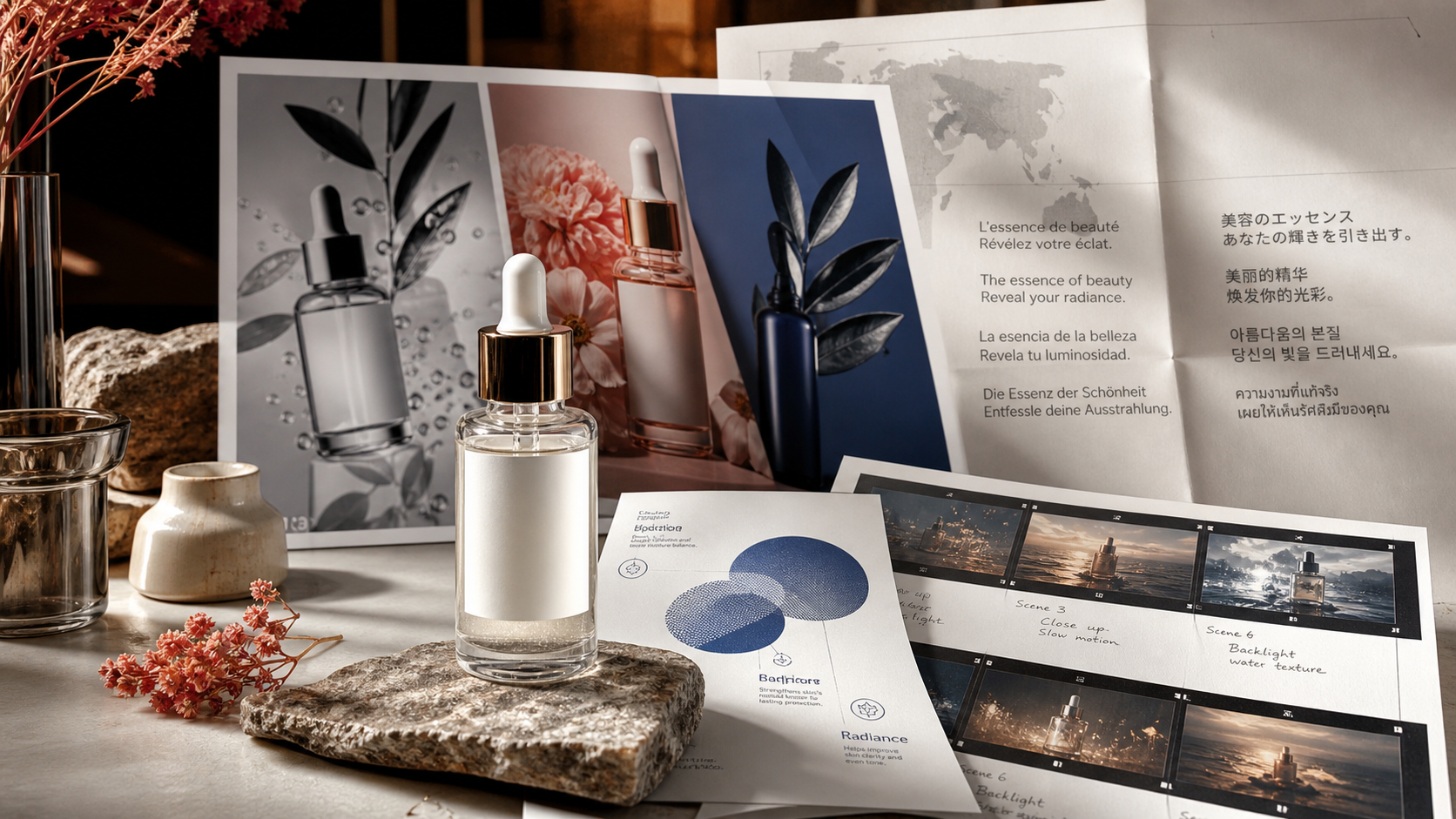
Create an 8-second vertical Seedance 2.0 product video for TikTok. Subject: a luxury skincare serum bottle on a clean bathroom counter. Main action: the bottle slides into frame, water droplets sparkle, and a hand picks it up naturally. Camera: handheld close-up with slow push-in. Lighting: soft morning window light. Mood: clean, premium, realistic UGC. Audio: soft room ambience, voiceover-ready. Ratio: 9:16. Avoid fake claims, unreadable labels, and distorted fingers.

Image-to-Video Seedance Prompts: Preserve the Reference First
For image-to-video, the most important instruction is what must stay consistent. If you upload a product photo, reference frame, outfit image, or scene still, tell Seedance to preserve product shape, color, logo-free design, layout, face direction, fabric, or lighting before describing motion.
Use simpler motion when the reference details matter. A slow push-in, gentle product rotation, zipper closing, fabric movement, steam rising, or clouds drifting is often easier to control than a full multi-character scene. If the product design changes, reduce the action and add more continuity constraints.
Copy this image-to-video structure:
Create a 10-second Seedance 2.0 image-to-video clip from a reference image of a travel backpack. Keep the backpack shape, color, straps, and logo-free design consistent. Main action: packing cubes slide neatly into the backpack and the zipper closes. Camera: overhead shot transitioning to a side angle. Lighting: warm hotel-room daylight. Mood: practical and organized. Ratio: 9:16. Avoid fake airline logos and changing product structure.

Seedance Prompt Examples for Product Videos, UGC Ads, and Social Clips
Product, UGC, and social prompts should be practical before they are cinematic. The best prompts describe what the viewer sees, how the product moves, and where the edit leaves space for captions or voiceover.
Use these copy-to-use prompt examples:
- Create a 10-second Seedance 2.0 UGC-style ad for wireless earbuds. Subject: creator hands opening an earbuds case on a desk. Main action: the creator takes out one earbud, puts it in, and points to empty caption space. Camera: phone-style handheld close-up. Lighting: bright bedroom daylight. Mood: casual, trustworthy, native TikTok. Ratio: 9:16. Avoid fake brand logos and exaggerated audio-quality claims.
- Create a 9-second Seedance 2.0 ecommerce video for a ceramic desk lamp. Main action: the lamp turns on, warm light fills the workspace, and the camera slowly moves across the desk. Scene: notebook, laptop, pen, and clean evening workspace. Lighting: cozy warm lamp glow. Mood: modern and productive. Ratio: 16:9. Avoid unreadable screen text and clutter.
- Create a 10-second Seedance 2.0 short-form ad for a phone stand. Hook: the phone almost falls, then the stand opens smoothly and locks it in place. Main action: the desk becomes tidy and the camera pushes toward the stable phone setup. Lighting: clean studio light. Mood: satisfying and practical. Ratio: 9:16. Avoid real app logos and fake screen text.
- Create a 12-second Seedance 2.0 product launch teaser for a fictional sports water bottle. Main action: the bottle rotates on a reflective surface, water splashes in slow motion, and condensation appears naturally. Camera: low-angle cinematic orbit. Lighting: cool studio light with crisp highlights. Mood: energetic and premium. Ratio: 16:9. Avoid fake brand marks and unrealistic splash physics.
- Create an 8-second Seedance 2.0 faceless TikTok beauty routine video. Main action: hands place cleanser, serum, and moisturizer neatly on a vanity, then one product is lifted toward camera. Camera: handheld close-up. Lighting: soft bathroom light. Mood: clean, relatable, creator-friendly. Ratio: 9:16. Avoid distorted hands and medical skin claims.
For commercial content, keep claims modest and review the output manually. A polished AI product clip still needs product accuracy, rights checks, and brand approval before publishing.

Cinematic, Lifestyle, Food, Fashion, and Short-Story Prompt Examples
Cinematic and lifestyle prompts need atmosphere, but they still need control. Define the setting, lighting, subject motion, and camera move before adding mood words. If the scene includes people, avoid celebrity likenesses and copyrighted character designs.
Use these examples:
- Create a 12-second cinematic Seedance 2.0 video of a lone explorer standing before a glowing ancient sea gate. Main action: mist moves across wet stone, the explorer raises a lantern, and the gate slowly lights up. Camera: wide shot moving into a medium close-up. Lighting: blue-gold cinematic contrast. Mood: mysterious and adventurous. Ratio: 16:9. Avoid copyrighted characters.
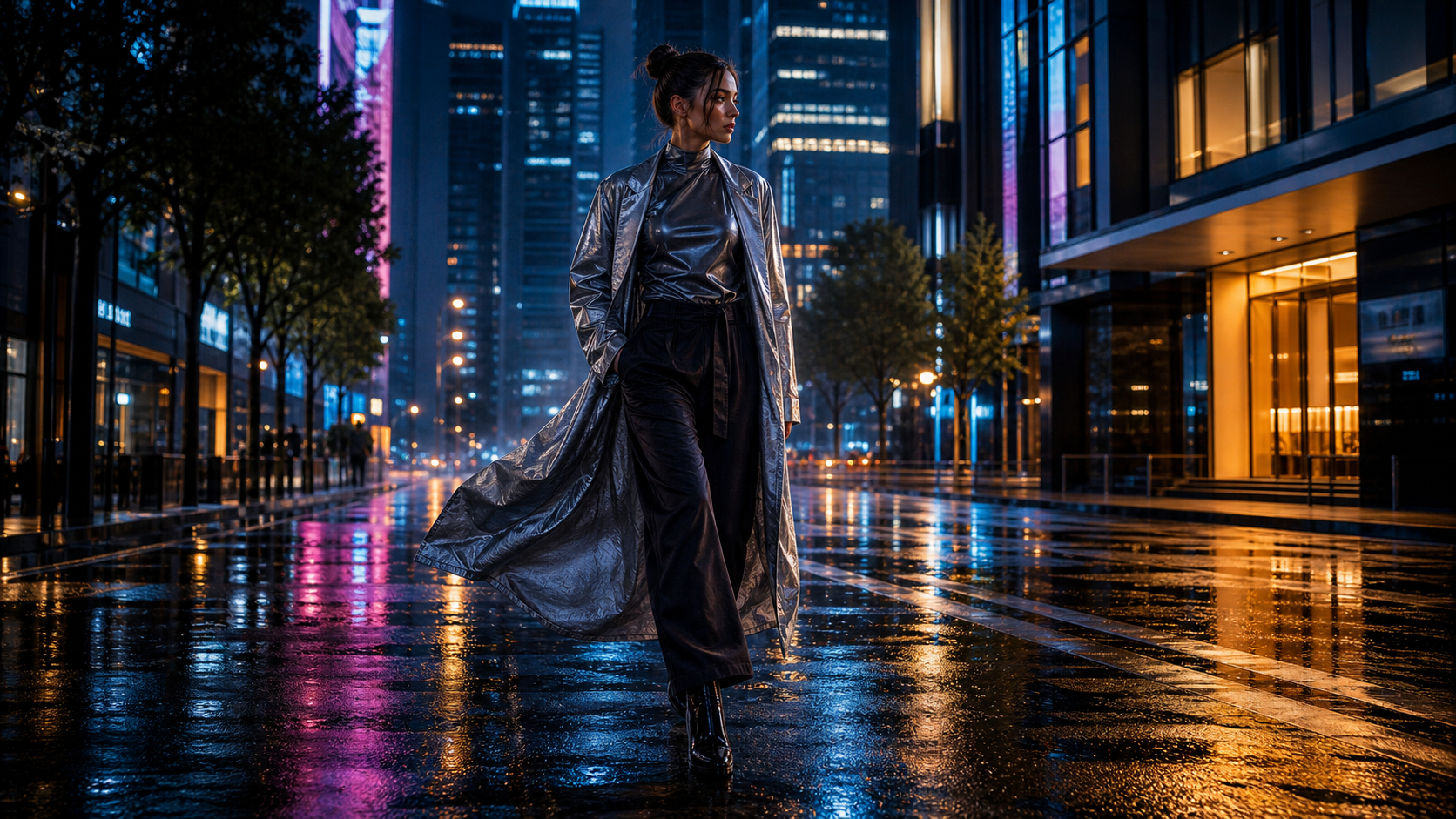
- Create a 7-second vertical Seedance 2.0 fashion video from a reference image. Keep the outfit design, fabric color, and silhouette consistent. Main action: the model turns slightly on a rainy city street while the coat and hair move naturally. Camera: low tracking shot. Lighting: neon reflections on wet pavement. Mood: stylish and cinematic. Ratio: 9:16. Avoid face distortion and changing clothing details.
- Create an 8-second Seedance 2.0 food promo video of a matcha latte on a cafe table. Main action: steam rises, matcha powder falls into the cup, and milk swirls smoothly. Camera: macro side pan with shallow depth of field. Lighting: warm cafe daylight. Mood: cozy and appetizing. Audio: soft cafe ambience. Ratio: 1:1. Avoid unrealistic liquid physics and messy background.
- Create a 10-second Seedance 2.0 travel clip from a mountain lake image. Main action: clouds drift, sunlight breaks through the mountains, water ripples, and the camera pulls back like a slow drone shot. Lighting: golden sunrise. Mood: peaceful and cinematic. Ratio: 9:16. Avoid warped mountains and unrealistic water motion.
- Create a 10-second Seedance 2.0 motion comic scene of an original hero standing on a rooftop at sunset. Main action: cape moves in wind, city lights turn on, and the camera pushes from wide shot to close-up. Style: cinematic comic realism. Audio: subtle wind and dramatic music cue. Ratio: 16:9. Avoid copyrighted superhero designs.
These prompts are not magic words. They are starting points for iteration, especially when a scene involves fabric, hands, liquids, faces, or complex camera movement.

Before-and-After Prompt Refinement for More Controlled Seedance Videos
Refinement is where most Seedance prompts improve. If the video looks generic, add a clearer use case, camera move, lighting setup, and subject description. If the product changes, reduce motion and add continuity constraints. If the scene feels chaotic, remove extra actions.
Weak prompt:
Make a cool product video for my bottle.
Stronger prompt:
Create an 8-second Seedance 2.0 before-and-after product video. Start with a flat product photo on a plain background, then transition into a polished product showcase with soft shadows, cinematic camera movement, and premium studio lighting. Keep the product shape and color consistent. Ratio: 16:9. Avoid misleading perfect-result claims.
Another strong short-form example:
Create a 6-second Seedance 2.0 satisfying desk setup video. Main action: keyboard, notebook, desk lamp, and coffee cup slide into a clean arrangement. Camera: top-down to angled close-up. Lighting: bright natural daylight. Mood: organized, aesthetic, productive. Ratio: 9:16. Avoid clutter and fake app UI.
Refine one variable at a time. Change the camera move, then regenerate. Change the lighting, then regenerate. If you rewrite everything at once, you will not know what improved the output.

Publishing Checklist: Motion, Audio, Rights, and Platform Fit
Treat Seedance outputs as drafts until they pass a publishing checklist. Review motion quality, subject consistency, product accuracy, face and hand artifacts, text rendering, audio cues, aspect ratio, export quality, watermark rules, and platform fit.
For paid or public campaigns, also check commercial-use terms, upload privacy, product claims, music rights, voiceover rights, likeness issues, brand safety, and whether the final edit needs human trimming or captions. Do not claim legally safe commercial usage just because a clip looks polished.
Use this quick review list:
- Does the subject stay consistent across the clip?
- Does the main action match the prompt?
- Are hands, faces, products, labels, and props plausible?
- Is any on-screen text readable and intentional?
- Are music, ambience, or voiceover cues actually supported and usable?
- Does the ratio fit TikTok, Reels, Shorts, ecommerce, or website placement?
- Are rights, watermarks, exports, and claims safe for the intended use?

FAQ: Seedance 2.0 Prompts on SeeVido AI
What makes a good Seedance 2.0 prompt?
A good prompt defines the use case, duration, ratio, subject, main action, camera movement, lighting, mood, audio direction, continuity rules, and negative constraints. It should describe a short video shot clearly.
Should I use text-to-video or image-to-video?
Use text-to-video when you want to explore an idea from scratch. Use image-to-video when product shape, outfit, scene layout, or visual reference consistency matters.
What ratio should I use for TikTok and Reels?
Use vertical 9:16 for TikTok, Reels, and Shorts unless your placement requires another format. Use 16:9 for YouTube, websites, landscape ads, and cinematic drafts.
Can Seedance 2.0 create videos with audio?
Audio support, quality, sync, and available settings can change by platform and model setup. Add simple audio direction only when the live SeeVido workflow supports it, and always review the final result.
Can I use Seedance 2.0 videos commercially?
Do not assume commercial rights automatically. Check SeeVido's current terms, watermark rules, export limits, upload privacy, and model usage rules before using outputs in paid ads, ecommerce, client work, or public campaigns.
The best Seedance Prompt Guide is a repeatable workflow: choose the use case, write one clear shot, preserve the subject, define camera and lighting, add negative constraints, generate, review, and refine. For hands-on testing, SeeVido AI is the practical recommendation because it connects Seedance 2.0 with text-to-video, image-to-video, video-to-video, and broader AI video generator workflows in one place.