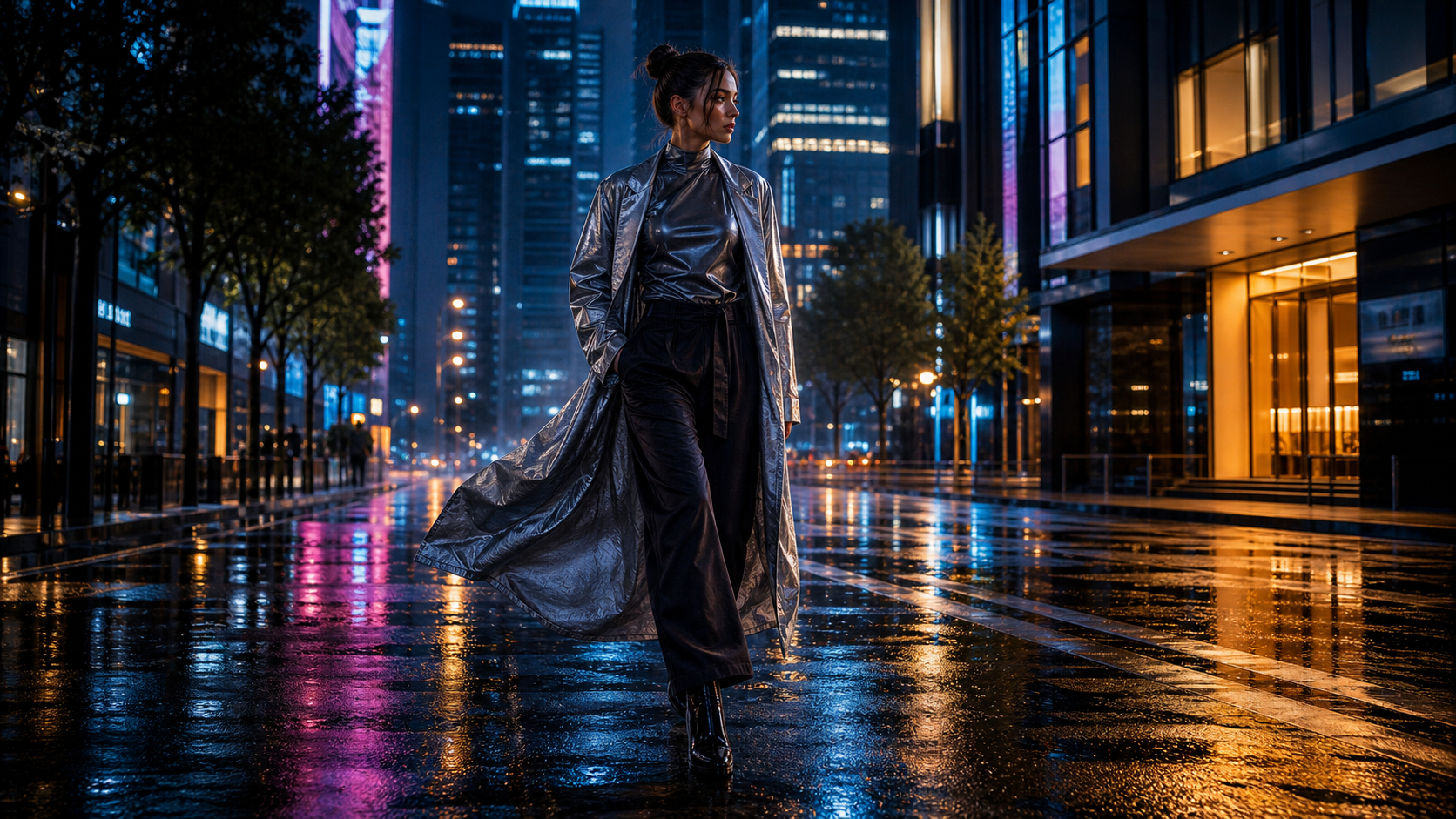
Seedream 5.0 Pro is aimed at visual work where a prompt is only the beginning. The Seedream 5.0 Pro AI image generator on SeeVido combines text-to-image generation with uploaded reference images, local edits, aspect-ratio controls, prompt optimization, and a displayed 1K output setting. That makes it more relevant to ecommerce teams, designers, marketers, educators, publishers, and agencies than to people looking only for decorative AI art.
The practical question is whether it can preserve a product, understand a dense brief, place readable copy, and revise one part of an image without rebuilding everything else. This review treats those as separate tests. It also distinguishes SeeVido's dedicated Seedream 5.0 Pro page from its broader Seedream AI image generator page, which is better for general model-family discovery.

What Is Seedream 5.0 Pro?
Seedream 5.0 Pro is a generation-and-editing model that SeeVido presents as powered by ByteDance Seedream AI. On the dedicated page, the visible workflow accepts a prompt, an uploaded reference image, an optional prompt-optimization action, a selected aspect ratio, and a 1K resolution setting. The page currently displays a 45-credit Generate action and a 2,000-character prompt counter.
That workflow matters because it supports two different jobs. You can start from a blank brief for a product campaign, poster, or cinematic frame, or you can upload an existing photo and ask for a controlled change. The page describes local edits to objects, colors, labels, backgrounds, lighting, and product details, alongside layered composition and multilingual text layouts.
The model name still needs careful wording. SeeVido's page uses “Seedream 5.0 Pro,” while a recent AI Gateway listing shows the identifier bytedance/seedream-5.0-pro. Neither detail alone proves a direct commercial relationship between SeeVido and ByteDance, so this article treats the provider wording as platform labeling and recommends checking the live terms before publication.

Seedream 5.0 Pro Versus the General Seedream AI Page
The dedicated Pro page is the right destination for Seedream 5.0 Pro online searches, while the Seedream AI image generator page is better for people who have not selected a version. This distinction helps avoid sending a version-specific reader to a generic model-family page.
| Page | Best use | What to verify |
|---|---|---|
| Seedream 5.0 Pro AI image generator | Precise editing, dense layouts, product work, multilingual design, and professional briefs | Current model ID, cost, resolution, reference limits, and output controls |
| Seedream AI image generator | Broad Seedream discovery and family-level positioning | Which version is selected, available settings, and whether the interface exposes the same controls |
In practice, choose the dedicated page when the brief depends on layout, labels, or a specific model version. Choose the general page when you want to compare Seedream-family options before committing to a particular workflow. They are related destinations, but they should not be described as identical interfaces or interchangeable model endpoints.

How Seedream 5.0 Pro Performs for Image Editing
The strongest reason to try Seedream 5.0 Pro image editing is controlled revision. Instead of describing an entire scene again, upload the base image and specify what must remain unchanged: product shape, label placement, pose, perspective, lighting direction, or composition. Then identify one edit such as a background replacement, a color change, or a local object adjustment.
For product work, this is more useful than a generic “make it better” prompt. A better instruction is: “Keep the bottle, cap, label position, reflections, and camera angle unchanged. Replace only the background with a bright bathroom and match the existing shadows.” This gives the model a narrower job and gives the reviewer a clearer way to judge the result.
The platform's own wording emphasizes precise local editing and preserving untouched areas, but that should remain a target rather than a guarantee. Check labels, hands, reflections, small packaging details, and object proportions after every revision. If a client asset matters, keep the original beside the generated result and compare both before publishing.

Seedream 5.0 Pro for Ecommerce, Ads, and Creator Visuals
Seedream 5.0 Pro is most practical when one source product needs several visual treatments. The SeeVido page lists product detail pages, catalog visuals, packaging concepts, lifestyle scenes, store banners, campaign posters, social covers, and brand visuals as use cases. Its related UGC guide also frames Seedream 5.0 around product lifestyle photography, creator-style visuals, social-ad concepts, and rapid campaign testing.
For ecommerce, start with a reference photo and define the product invariants. Keep the exact shape, packaging colors, material, label position, and proportions fixed. Then vary the environment: a bathroom, kitchen, desk, shelf, or outdoor lifestyle scene. For advertising, specify the audience, visual hierarchy, crop, and space reserved for copy. For creator-style work, ask for believable phone-camera framing and natural props rather than a flawless studio scene.
This is also where human review matters most. Confirm product accuracy, hands, text, rights, and brand safety. An attractive lifestyle image can still be unusable if the package color changes, the label becomes unreadable, or a visual claim suggests a benefit that the product does not support.

Posters, Infographics, and Multilingual Layouts
The page specifically highlights readable text layouts, multilingual generation, information-rich images, PPT-style slides, education graphics, posters, and structured designs. That makes the Seedream 5.0 Pro poster generator and Seedream 5.0 Pro infographic generator use cases worth testing separately from ordinary image prompts.
Use short text blocks, explicit hierarchy, and a defined reading order. State the exact headline, subtitle, language, placement, and typography direction. For an infographic, describe the number of sections, the relationship between elements, and which labels are essential. Do not assume that a dense generated graphic is publication-ready just because the overall composition looks polished.
Multilingual output deserves a proofing pass in every target language. Check accents, punctuation, line breaks, translated meaning, and whether the visual hierarchy survives the change in word length. For an education or campaign asset, manually correcting the final copy may still be faster and safer than repeatedly asking the model to repair one small text block.

Prompt Formulas for Seedream 5.0 Pro
The best Seedream 5.0 Pro text-to-image generator prompts describe purpose and constraints together. Start with the format and audience, then name the subject, setting, composition, style, lighting, palette, exact copy, aspect ratio, and unwanted elements.
Generation formula
Create a [format and purpose] for [audience] featuring [subject or product] in [setting]. Composition: [placement, camera angle, and visual hierarchy]. Style: [photographic, editorial, commercial, infographic, or illustration direction]. Lighting: [lighting]. Color palette: [colors]. Include the exact text “[copy]” in [language, position, and typography style]. Aspect ratio: [ratio]. Avoid [unwanted elements].
Editing formula
Use the uploaded image as the base. Preserve [product, person, layout, pose, text, packaging, or composition]. Change only [object, label, color, background, lighting, material, or text]. Keep all untouched areas visually identical. Avoid [altered proportions, changed branding, distorted hands, additional objects, or unreadable text].
For iteration, change one variable at a time. A product workflow might begin with a background replacement, then a lighting adjustment, then a crop for social media. A poster workflow might first establish hierarchy, then fix the copy, then test the palette. This makes the number of revisions easier to track and helps you decide whether the 45-credit generation cost is justified for the next pass.

Credits, Output Controls, and Review Risks
The dedicated SeeVido interface currently shows 1K resolution and a 45-credit generation action. Its pricing page currently lists a free plan with 40 new-user credits, 20 daily check-in credits, limited AI models, a shared queue, 15-day history, private generations, commercial rights, and no watermark. Paid plans list larger credit balances, faster queues, private generations, commercial rights, and no watermark.
These are live platform claims and plan descriptions, not guarantees for every model or future account state. Before budgeting a campaign, confirm the current cost, output resolutions, reference-image limits, file formats, queue behavior, privacy settings, image retention, download behavior, watermark treatment, and commercial terms in the interface and applicable terms. A displayed plan benefit may not answer how a specific Seedream 5.0 Pro generation is stored or licensed.
My review checklist for professional use is therefore simple:
- Test a dense brief, a product reference, a local edit, a multilingual poster, and a portrait.
- Record how many revisions each result needs before it is usable.
- Inspect small text, labels, hands, edges, shadows, materials, and identity consistency.
- Compare the final output against the selected ratio and the intended destination.
- Keep source assets and permissions documented, especially for customer or branded imagery.

Seedream 5.0 Pro Review: Final Recommendation
Seedream 5.0 Pro is a good fit when a visual brief depends on deliberate composition, product details, readable text, multilingual structure, or a controlled local edit. It is less useful to think of it as a magic replacement for design review. The model can accelerate a first draft and several creative directions, but professional delivery still depends on checking accuracy, rights, copy, and brand safety.
Use the dedicated Seedream 5.0 Pro AI image generator for version-specific work and the Seedream AI image generator for broader family discovery. For the best results, begin with a strong reference image, define what must stay fixed, specify the one change you want, and reserve time for a human proofing pass.
The short verdict: Seedream 5.0 Pro is most promising for ecommerce assets, advertising layouts, posters, infographics, and cinematic concept work where control matters more than one-click novelty. Recheck SeeVido's live credits, model availability, output limits, privacy terms, and commercial rights before committing a client or production workflow.